


User Features.
QRSim provides a secure, all-in-one digital e-SIM experience. From instant global data activation and secure wallet management to 2FA protection and multi-language support, our platform empowers users with total control over their international connectivity.
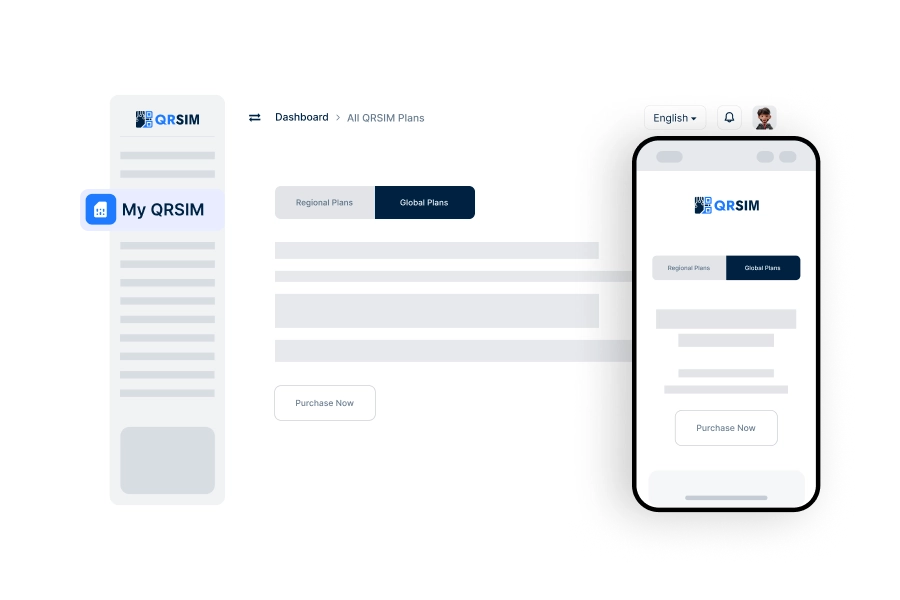
Purchase E-Sim
Users can easily purchase e-SIMs based on their selected data plan and destination.
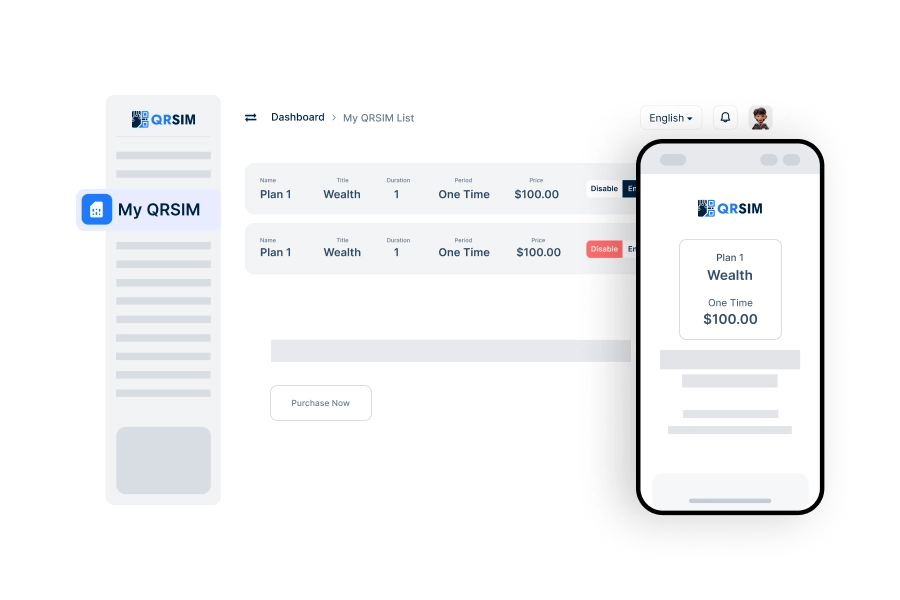
My QRSim
View all purchased e-SIMs in one place, including active and expired e-SIMs.
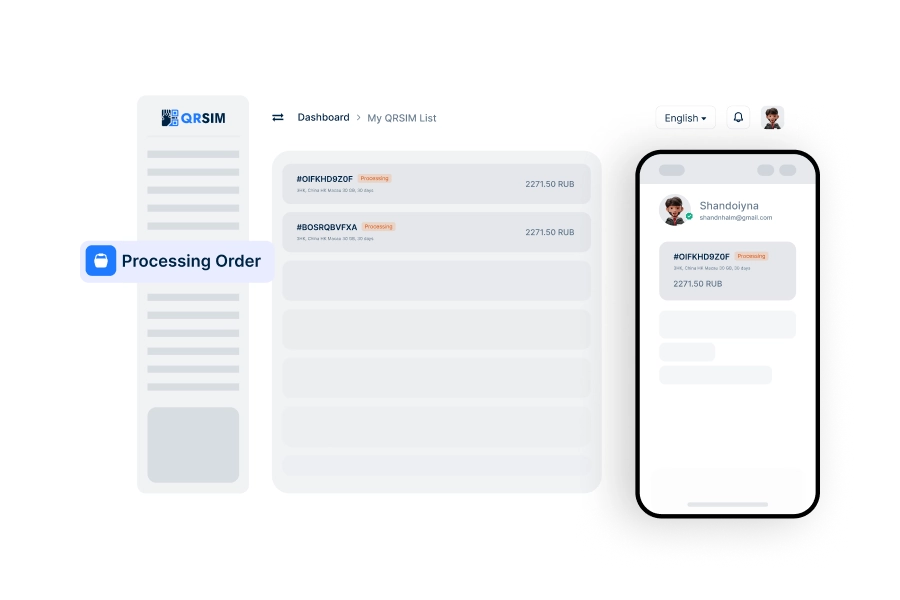
Processing Order
Displays all e-SIM orders that are currently being processed.
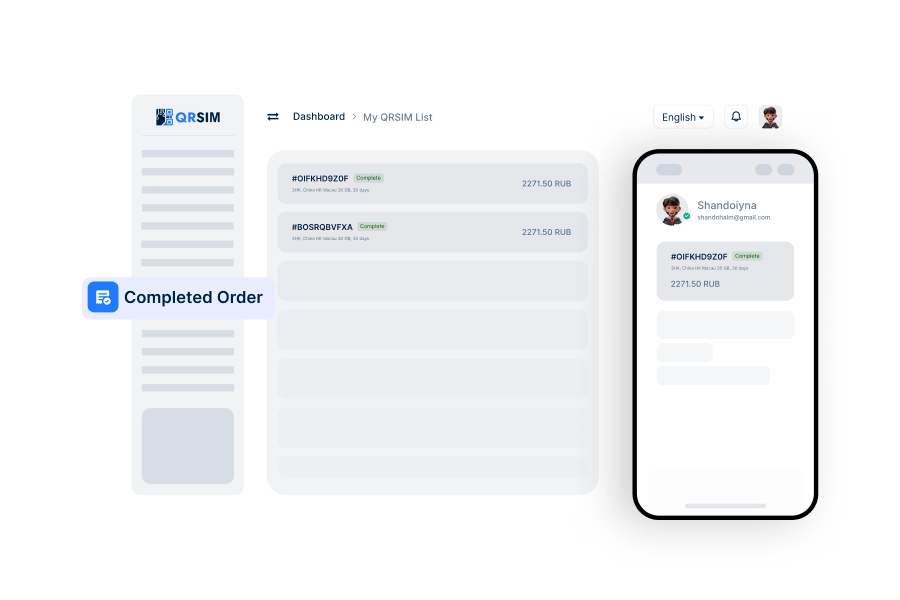
Completed Order
Shows a complete history of successfully delivered and completed e-SIM orders.
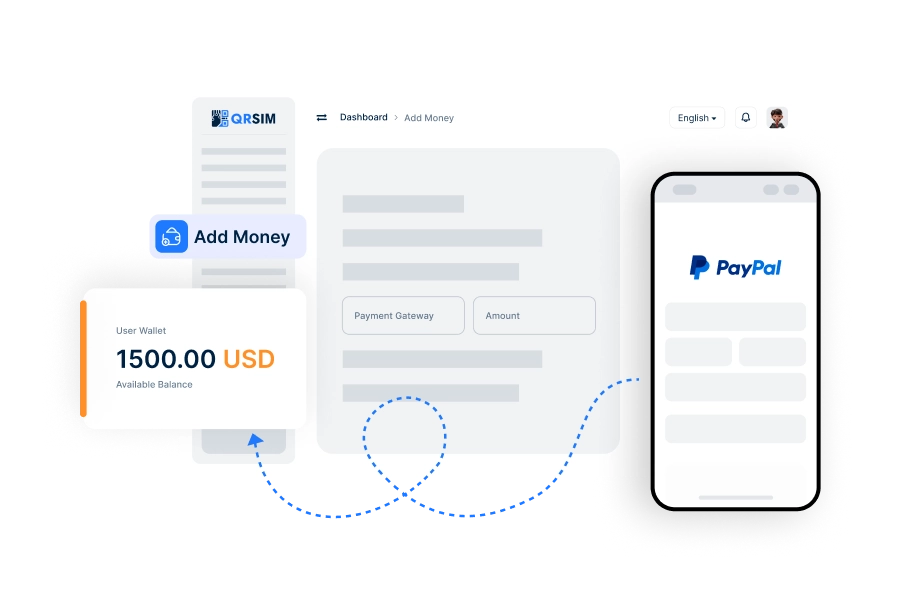
Add Money
Users can quickly add funds to their wallets, making purchases simple and hassle-free.
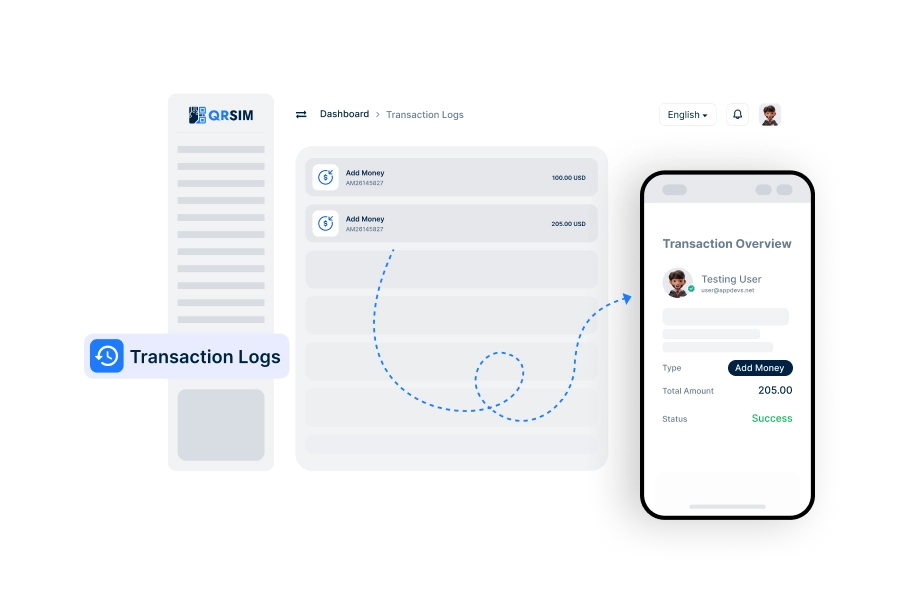
Transaction Logs
Users can track all their wallet deposits with detailed logs for full transparency and control.
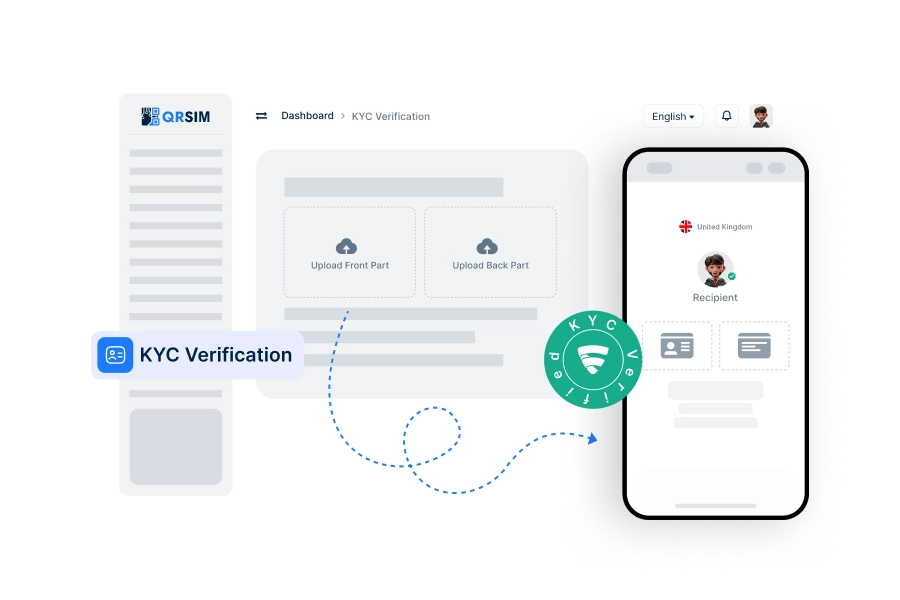
KYC Verification
Complete KYC verification to ensure account security and compliance with regulatory requirements.
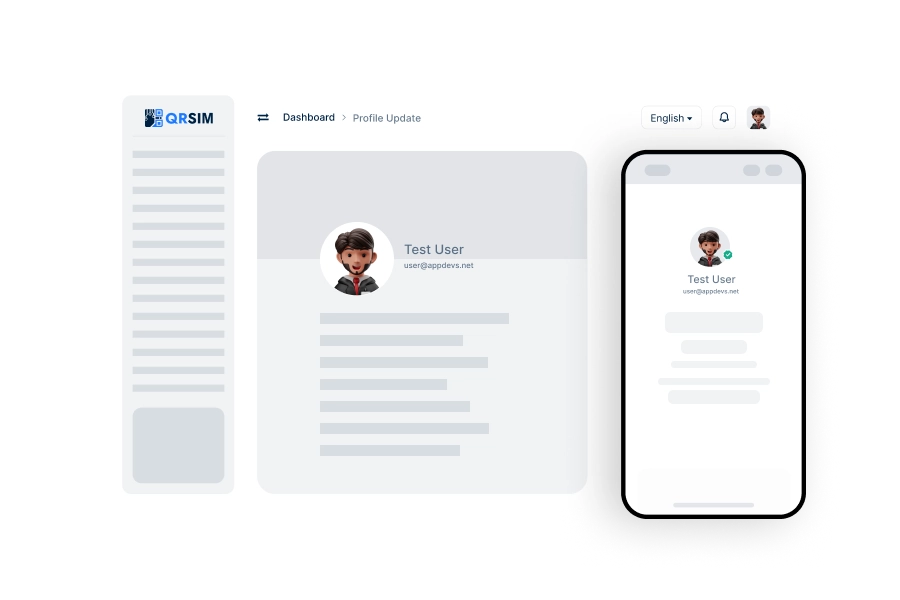
Profile Update
Easily manage and update users’ personal profile information directly within the user app.
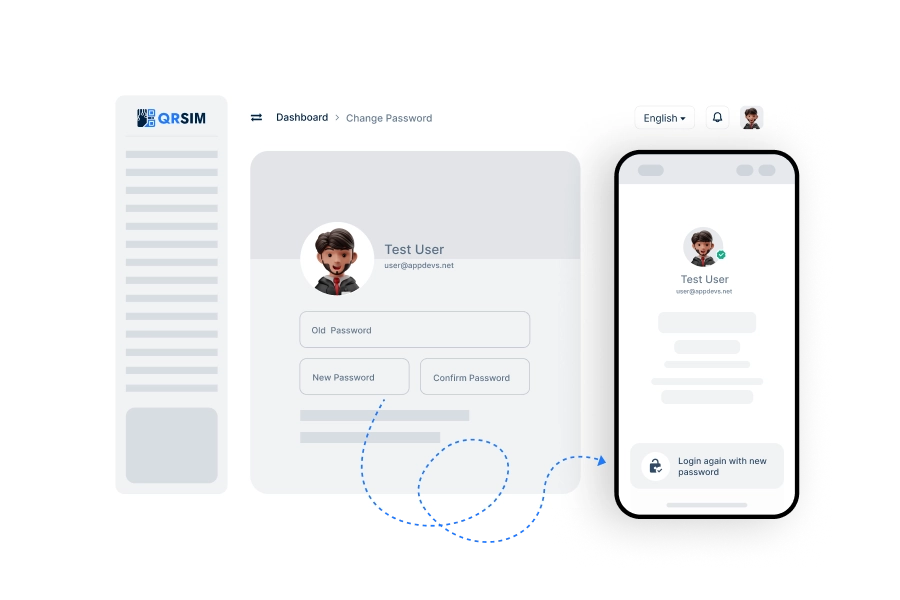
Change Password
Secure your account by regularly changing your password through the user app’s account settings.
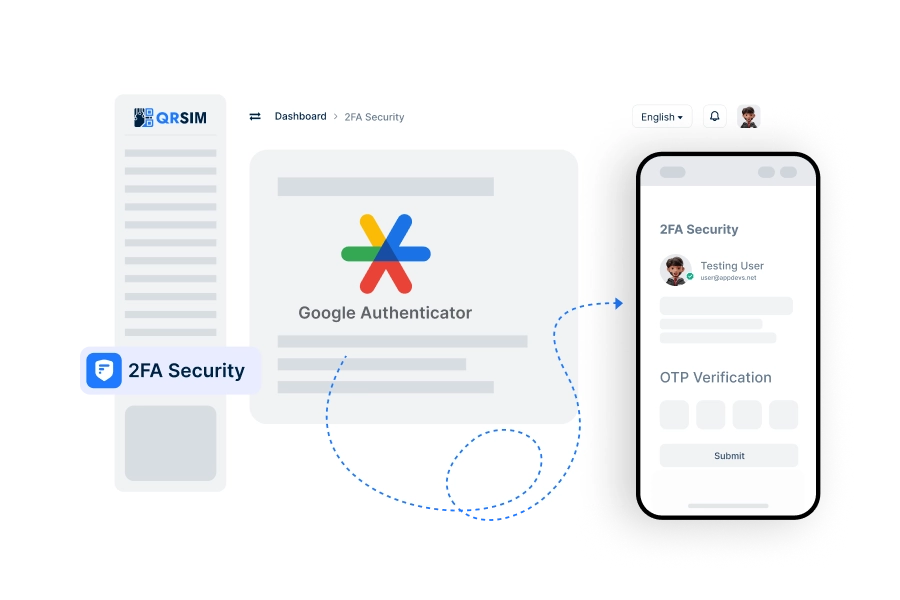
2FA Security
Enable two-factor authentication to add an extra layer of security for user account access.
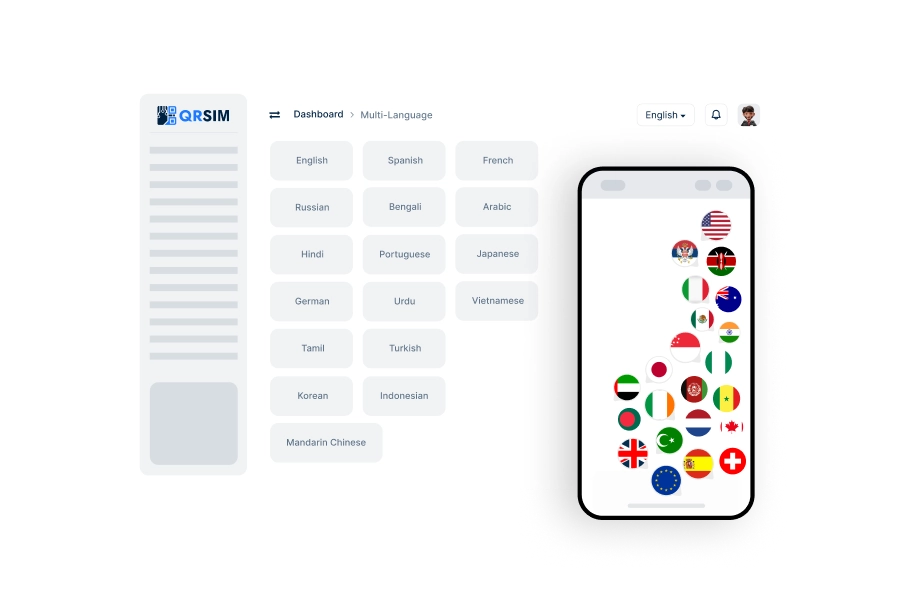
Multi-Language
Use in multiple languages, making it accessible and user-friendly for a global audience.
Admin Features.
Take full control of your QRSim ecosystem with a comprehensive administration suite. Manage e-SIM APIs, global destinations, financial logs, and system security through a powerful, intuitive dashboard.
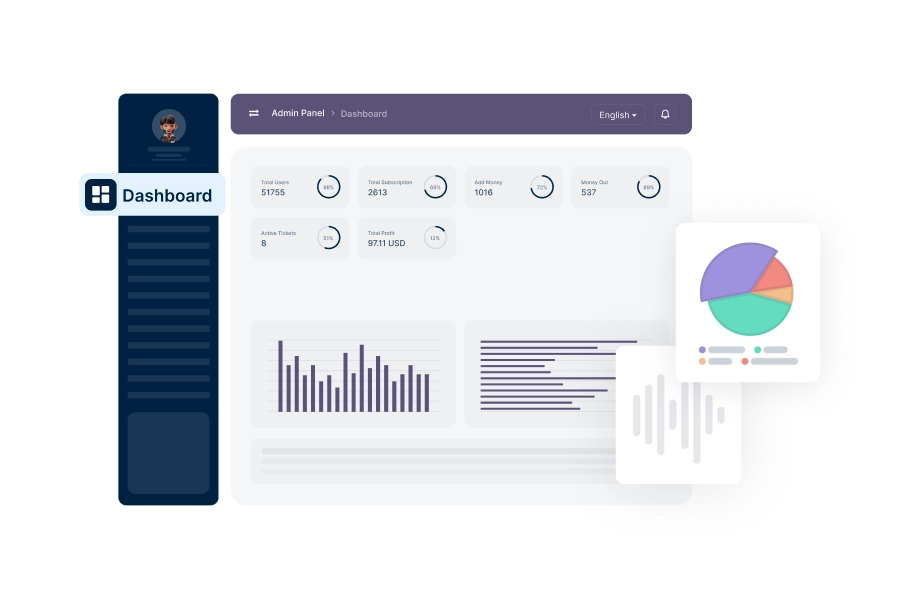
Analytics Dashboard
View and analyze real-time data on transactions, user activity, and system performance for informed decisions.
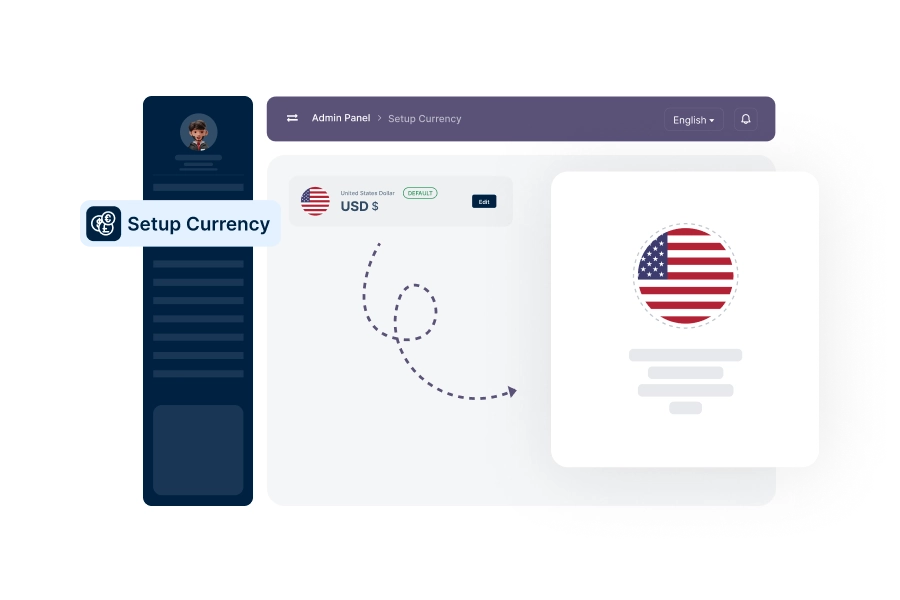
Setup Currency
Add and manage supported currencies for transactions across the platform.
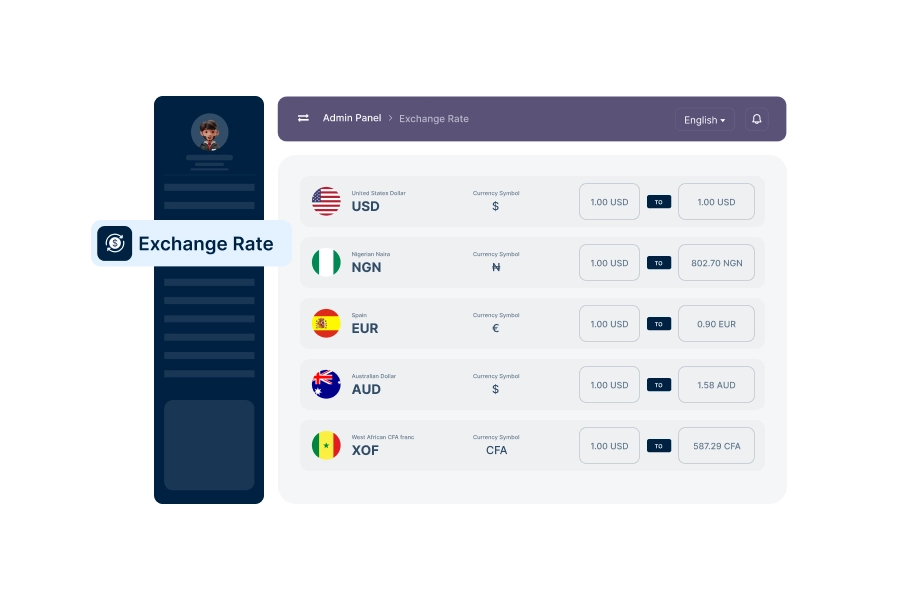
Setup Exchange Rate
Configure and update exchange rates for different currencies to enable accurate currency conversions.
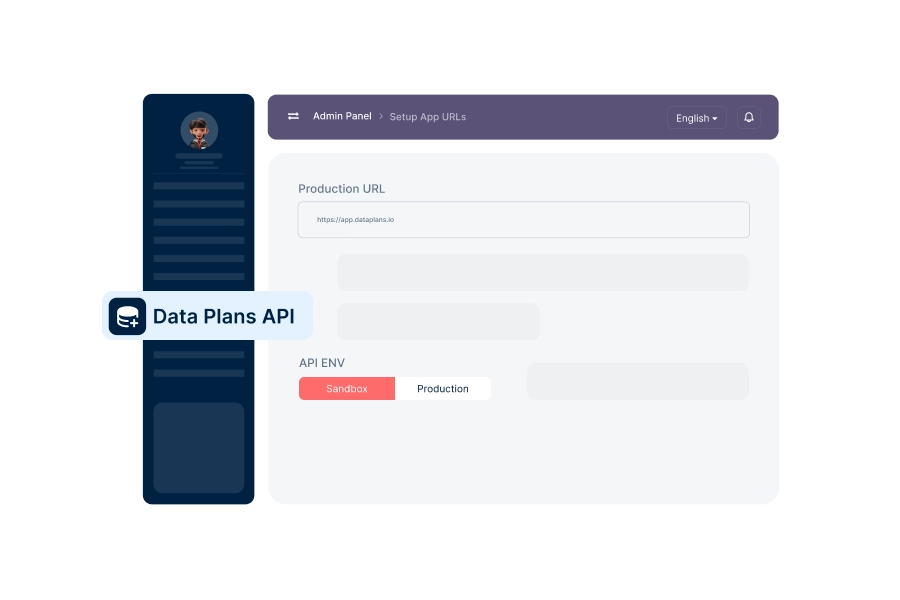
Setup Data Plans API
Configure the e-SIM data plan API for selling and managing e-SIM services.
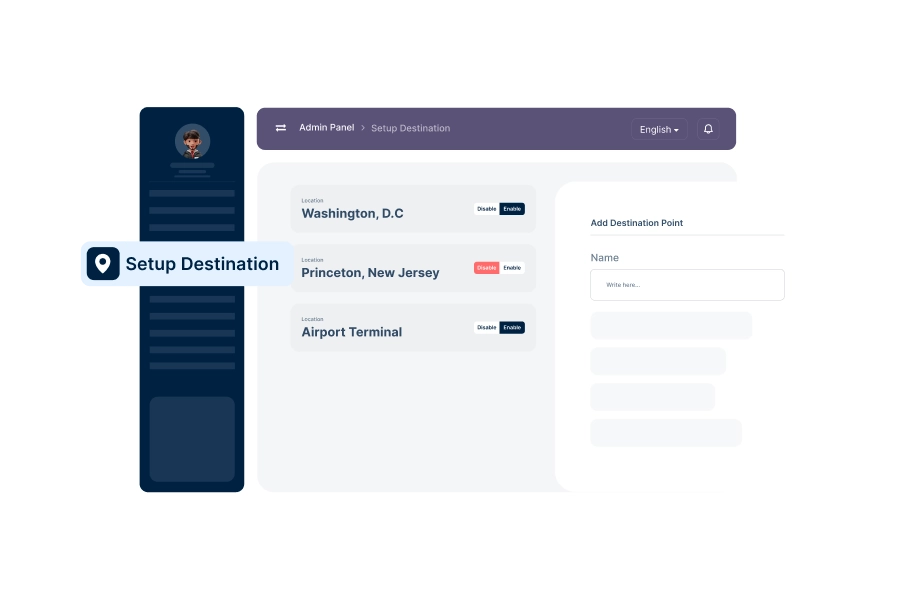
Destinations
View and manage available destinations provided by the API service.
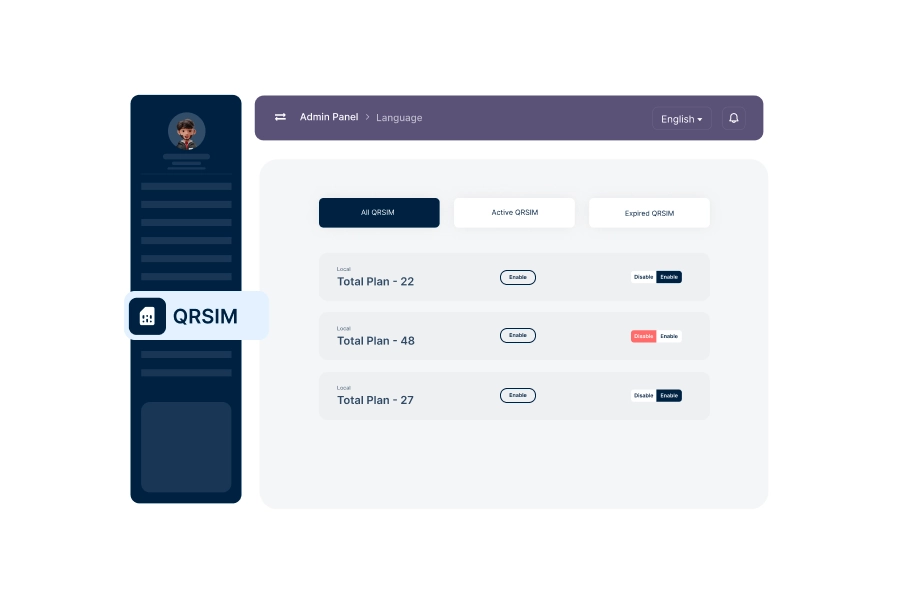
QRSim
View all issued e-SIMs categorized by status such as All, Active, and Expired.
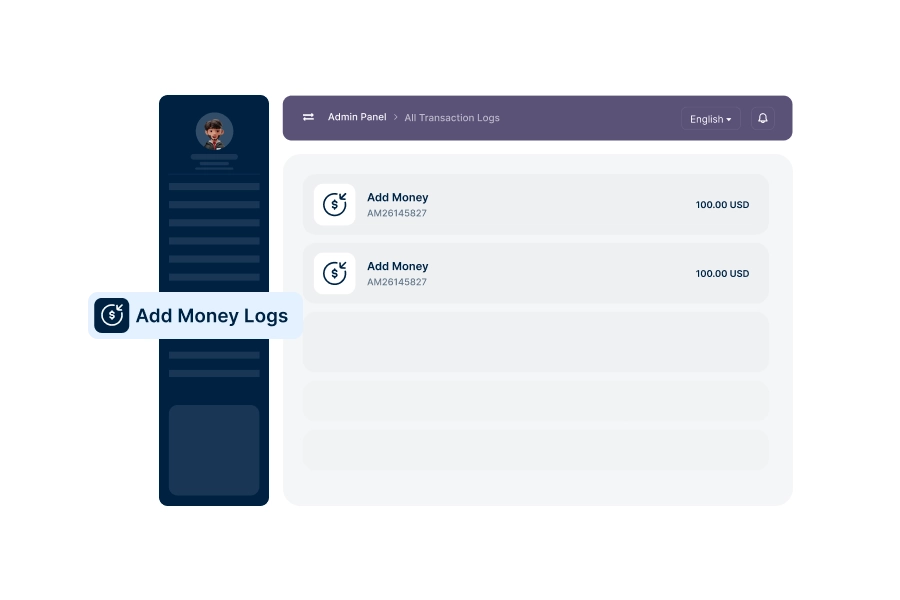
Add Money Logs
Admins can track all user deposits in one place, ensuring transparency and smooth financial operations.
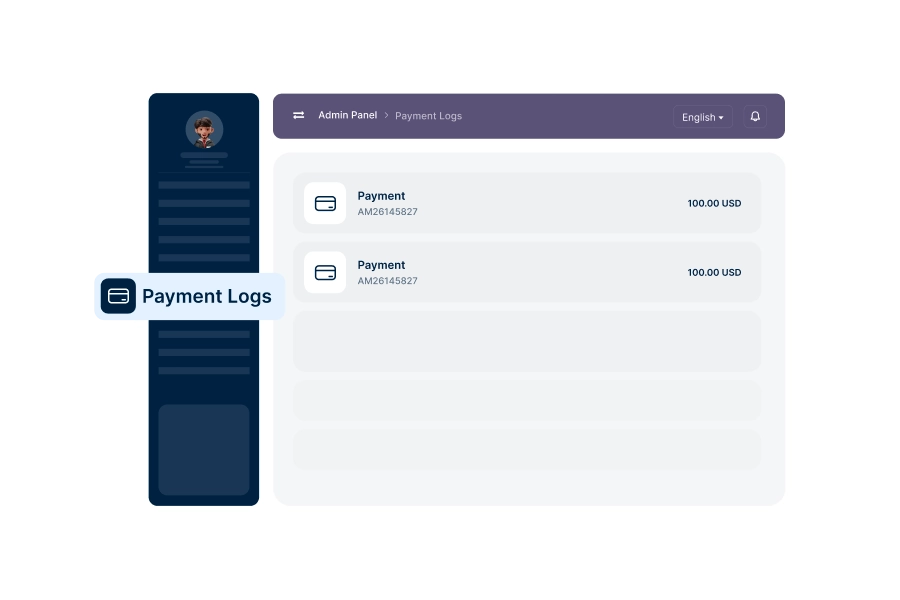
Payment Logs
Access comprehensive records of all purchase logs made by users to ensure accuracy and accountability.
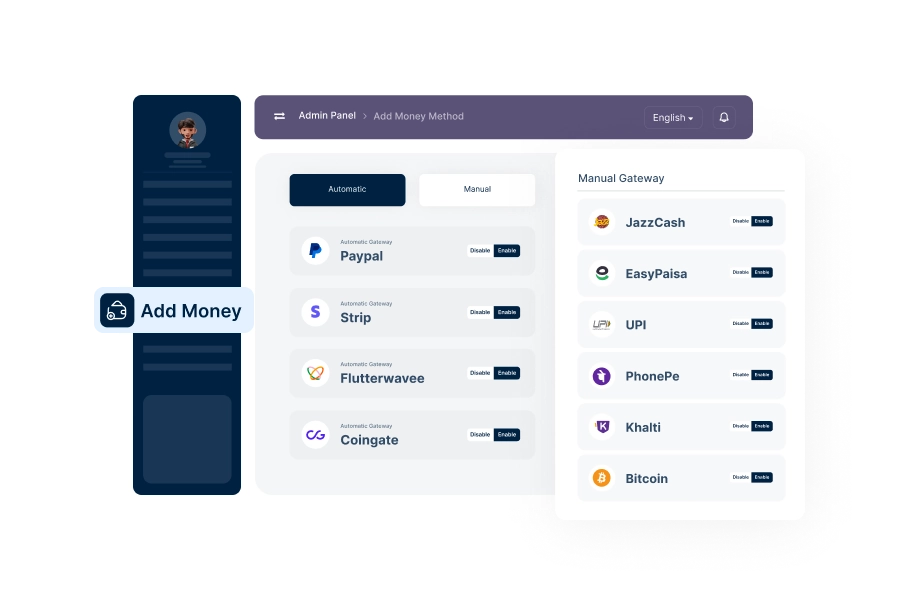
Setup Deposit Method
Add and configure deposit methods for users to add funds to their accounts.
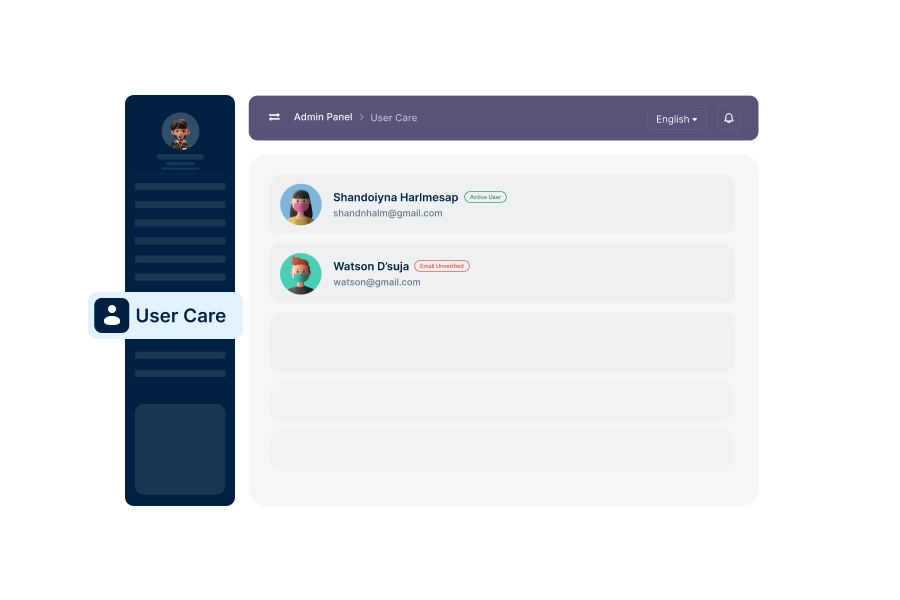
User Care
Manage support and assistance for users, addressing their queries and resolving issues.
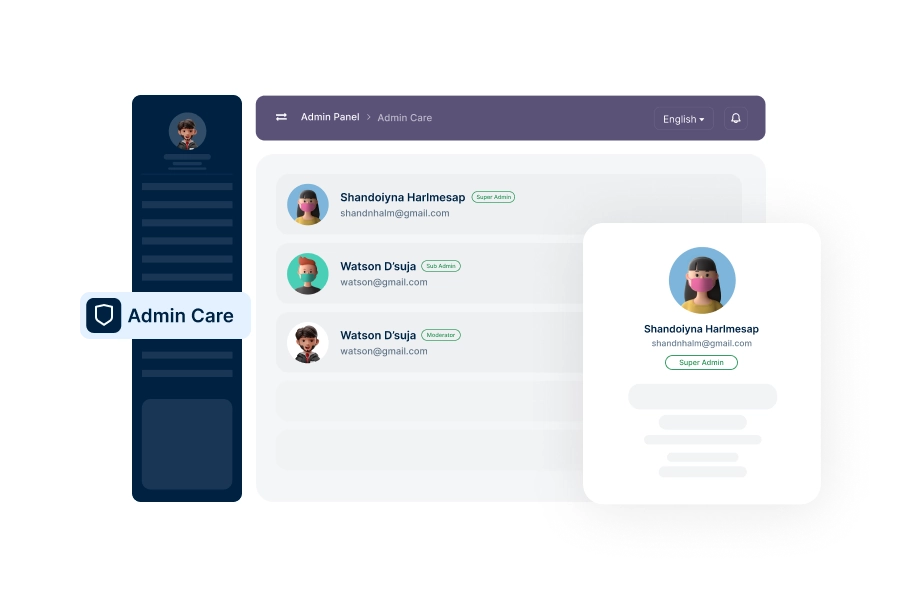
Admin Care
Manage internal admin support, ensuring smooth operation and resolving any administrative issues.
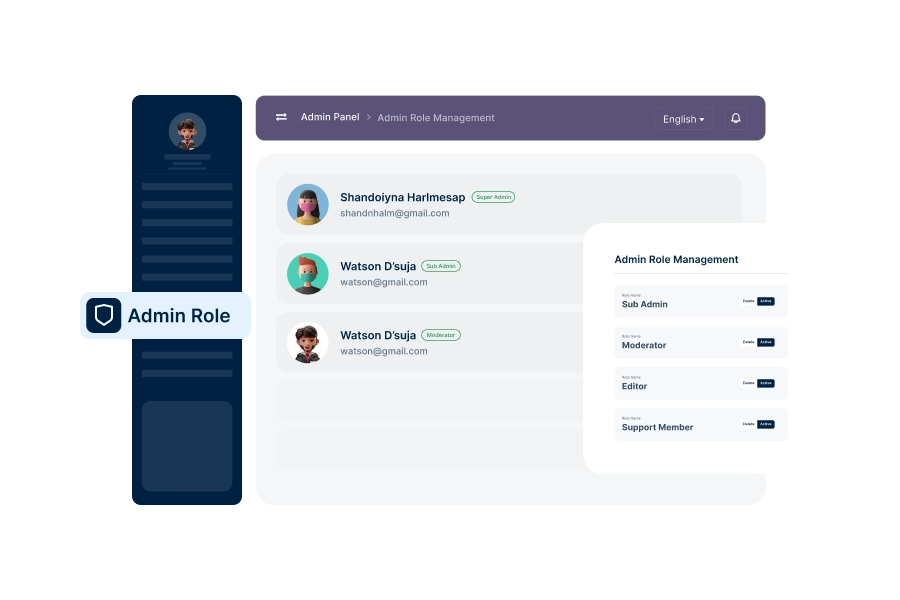
Admin Role Management
Assign and manage admin roles and permissions, ensuring secure and organized system administration.
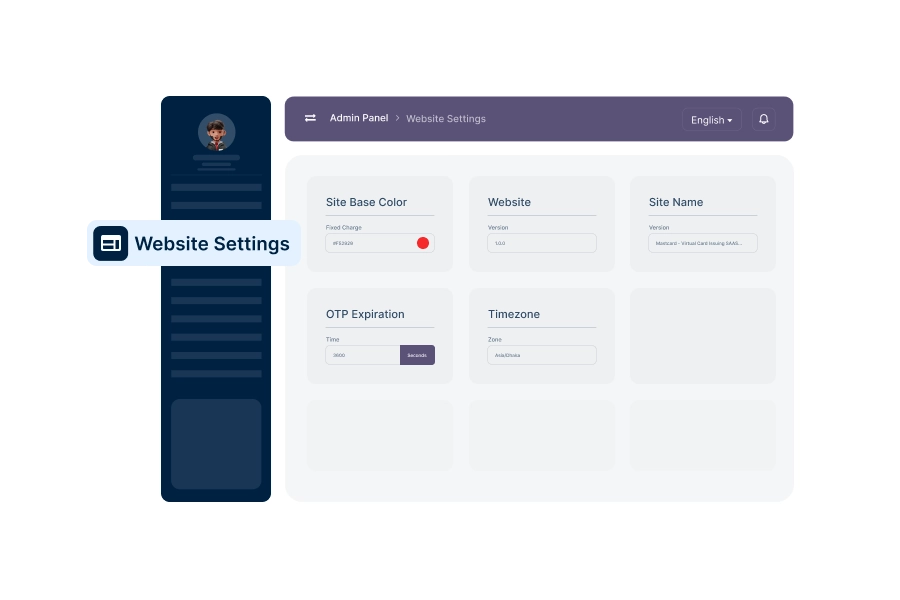
Basic Web Settings
Configure essential web settings such as site name, contact details, and other core platform parameters.
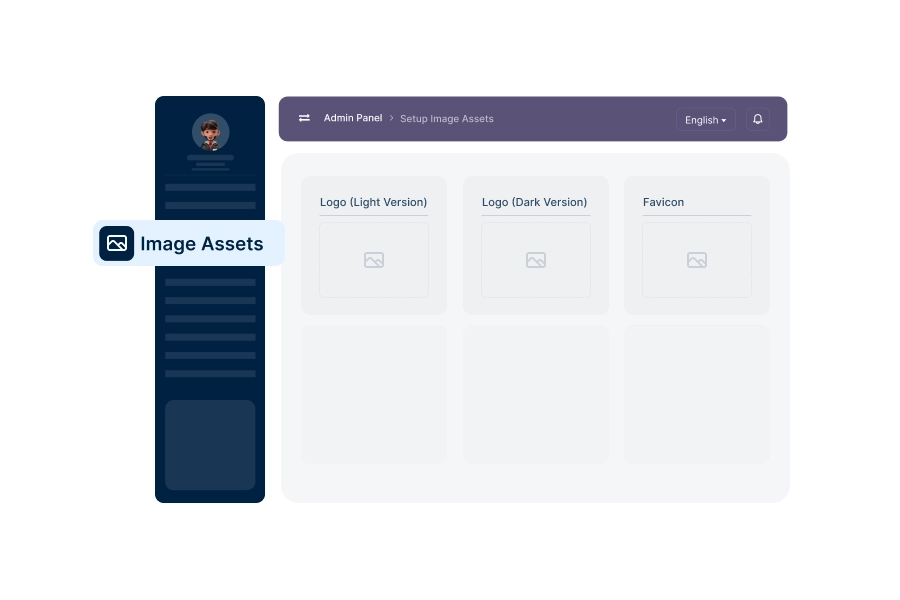
Setup Image Assets
Upload and manage images like logos, banners, and icons used across the platform.
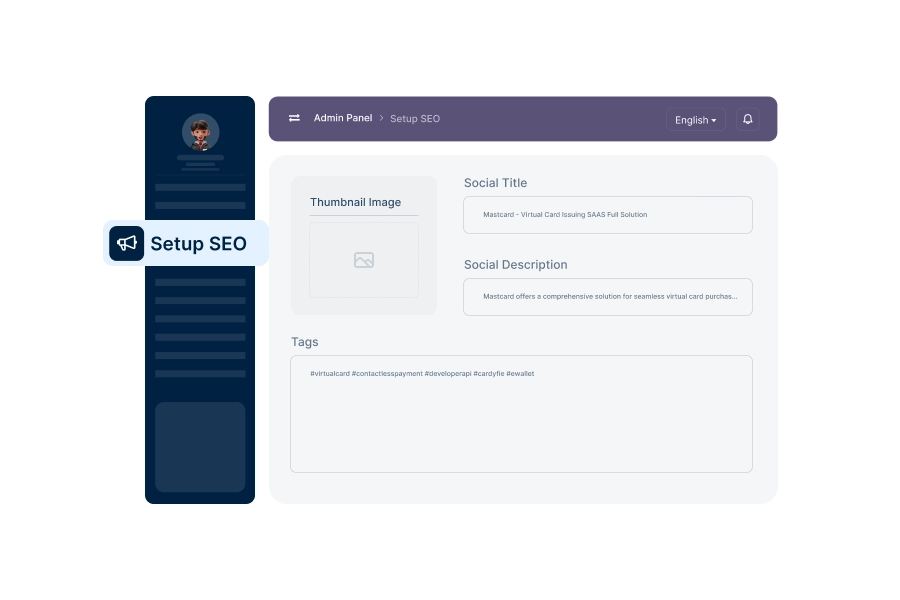
Setup SEO
Configure SEO settings to optimize the platform’s visibility on search engines.
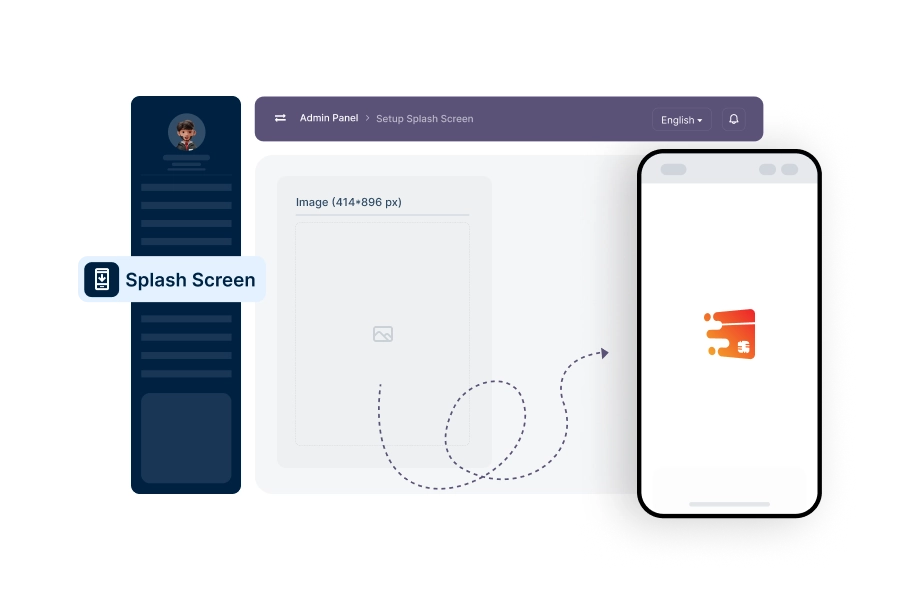
Setup Splash Screen
Design and manage the platform's splash screen that users see during app launch.
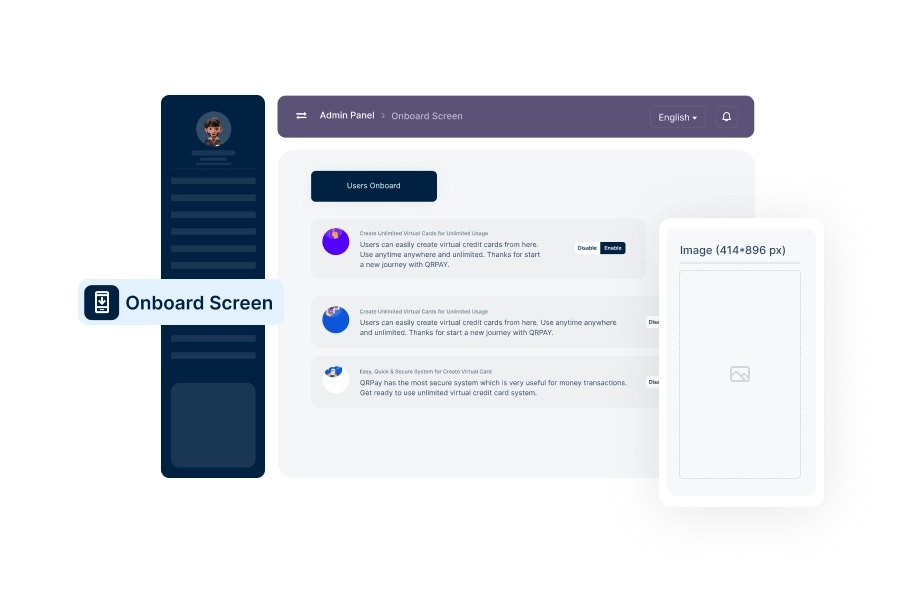
Setup Onboard Screen
Create and manage onboarding screens to guide new users through the platform's key features.
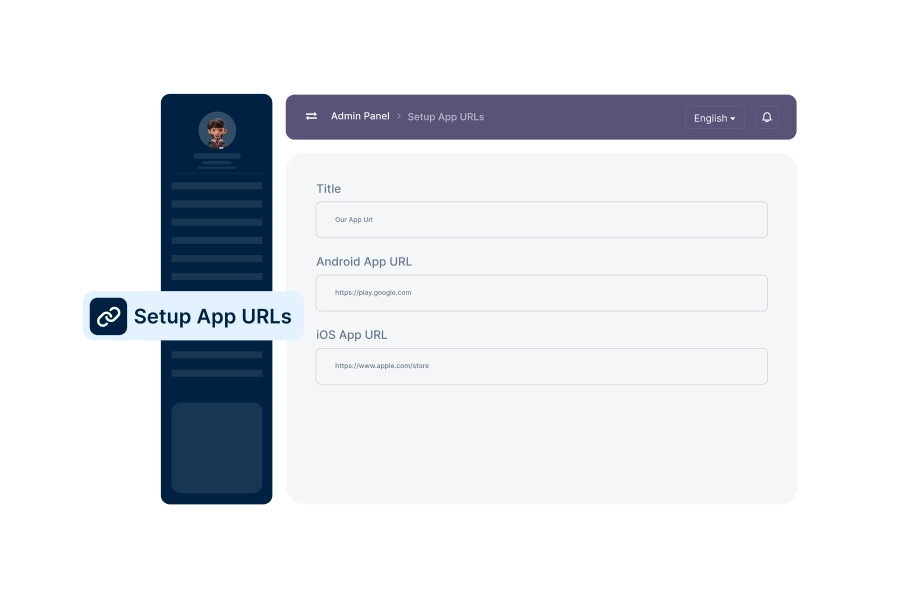
Setup App URLs
Configure essential URLs, such as app download links and support pages, for platform navigation.
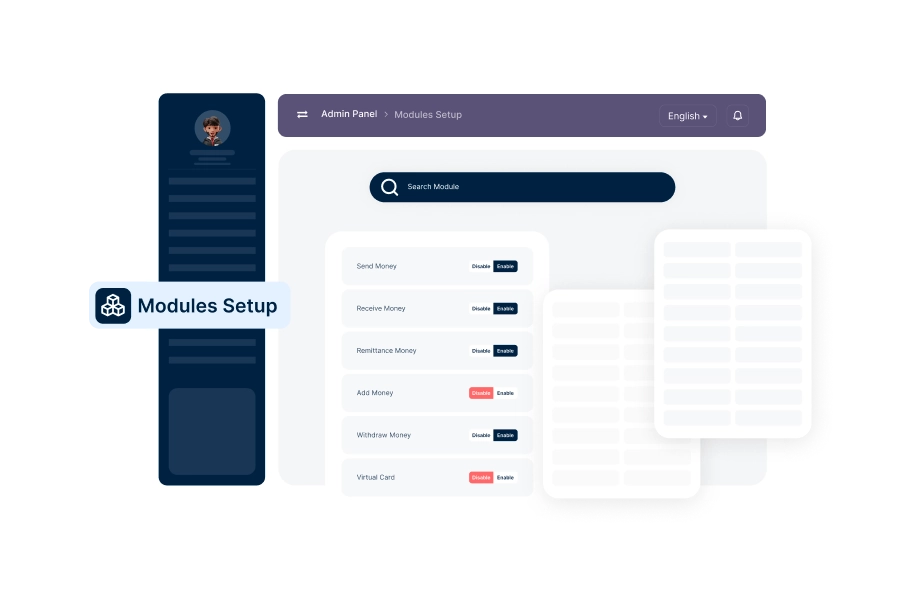
Search Module
Configure search functionalities to enhance user experience and make platform navigation easier.
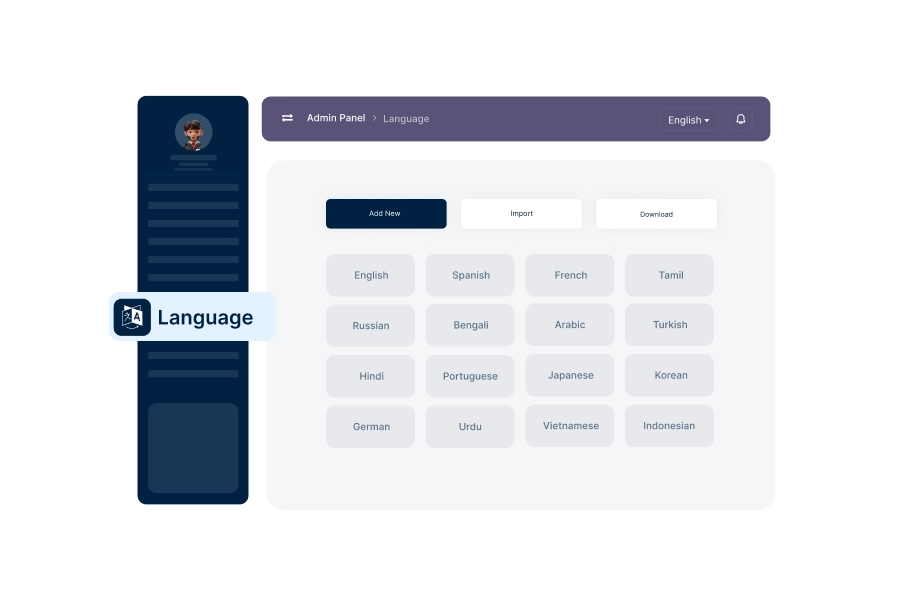
Language Manage
Add and manage languages available on the platform, providing a multilingual user experience.
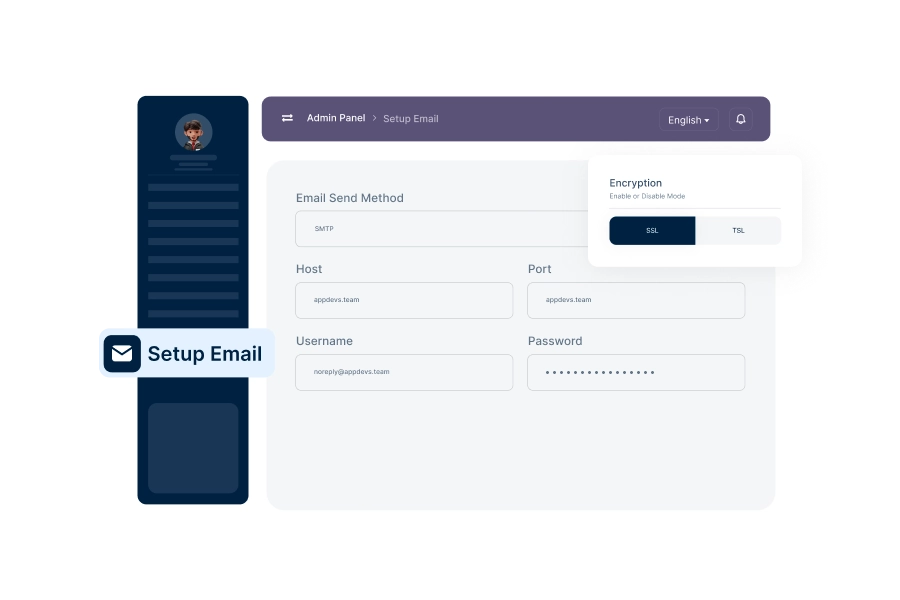
SMTP Email Setup
Configure SMTP settings to ensure smooth email communication, including verification and notifications.
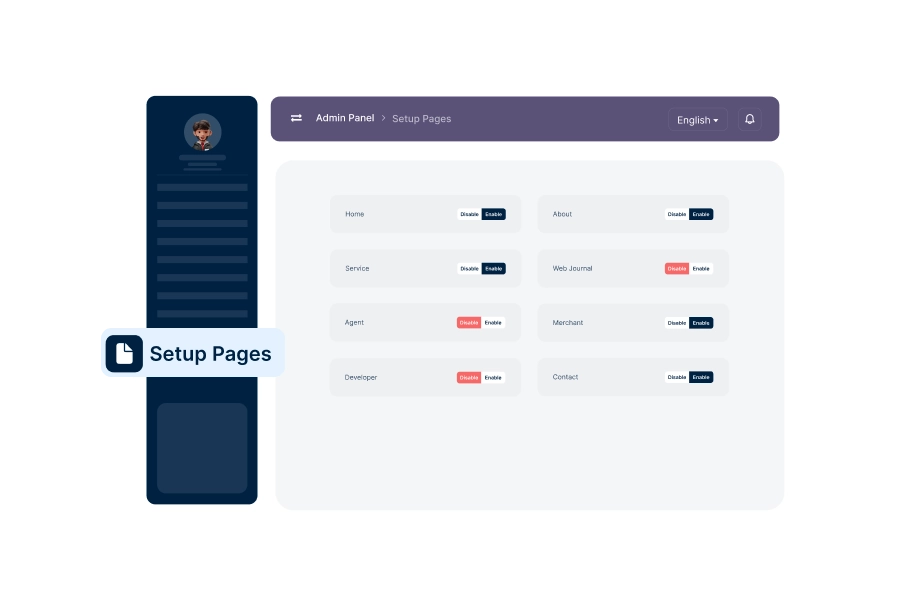
Setup Pages
Create and manage key platform pages like About, FAQ, and Terms of Service.
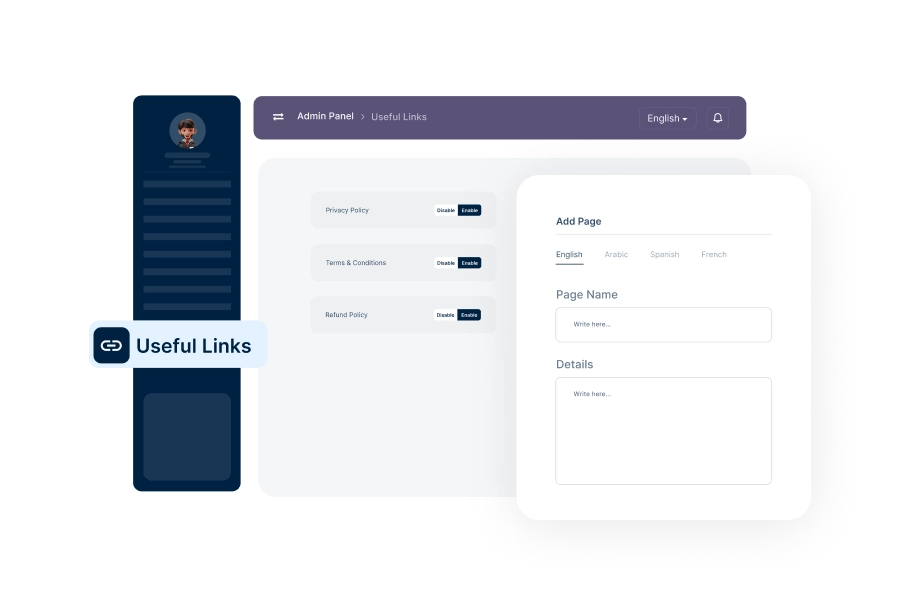
Setup Useful Links
Add and manage helpful external or internal links for users, such as support resources or partner pages.
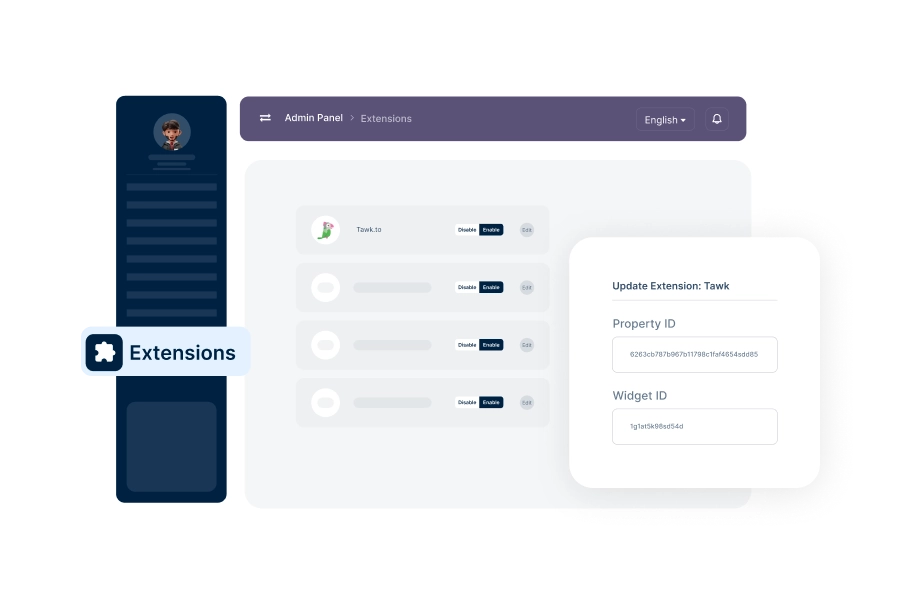
Manage Extensions
Enable, configure, and manage platform extensions to add extra functionalities.
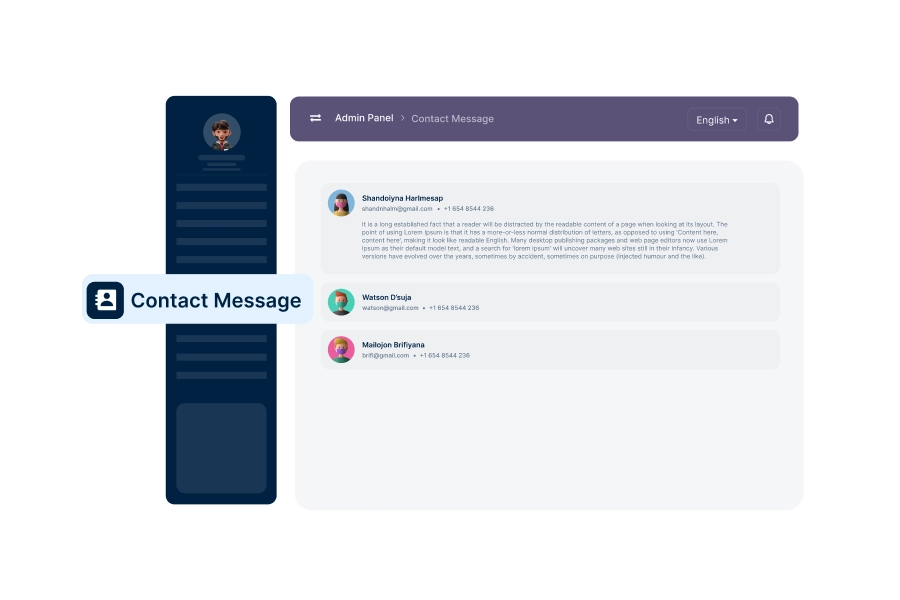
Manage Contact Messages
Handle and respond to contact form messages or inquiries from users directly from the dashboard.
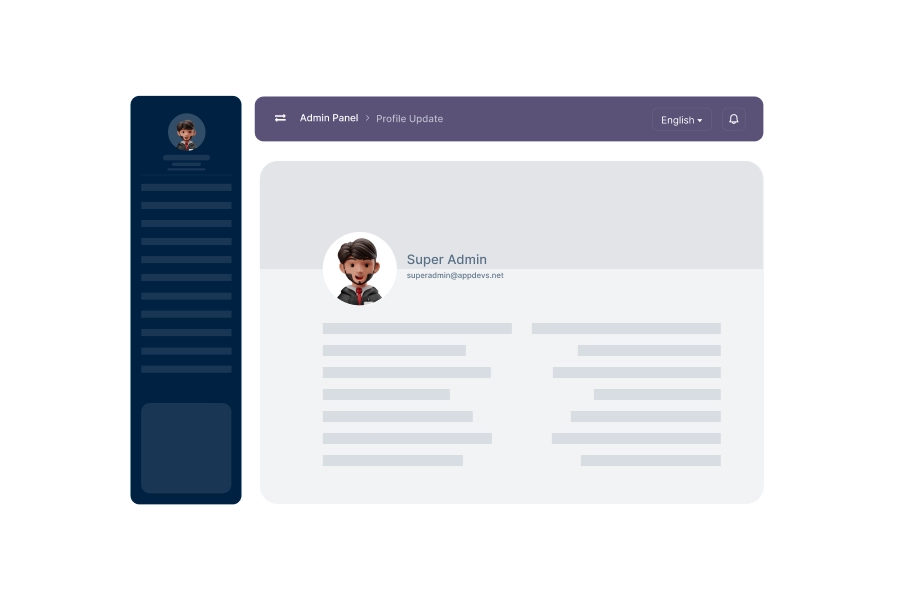
Profile Update
Allow admins to update their profiles and credentials within the dashboard.
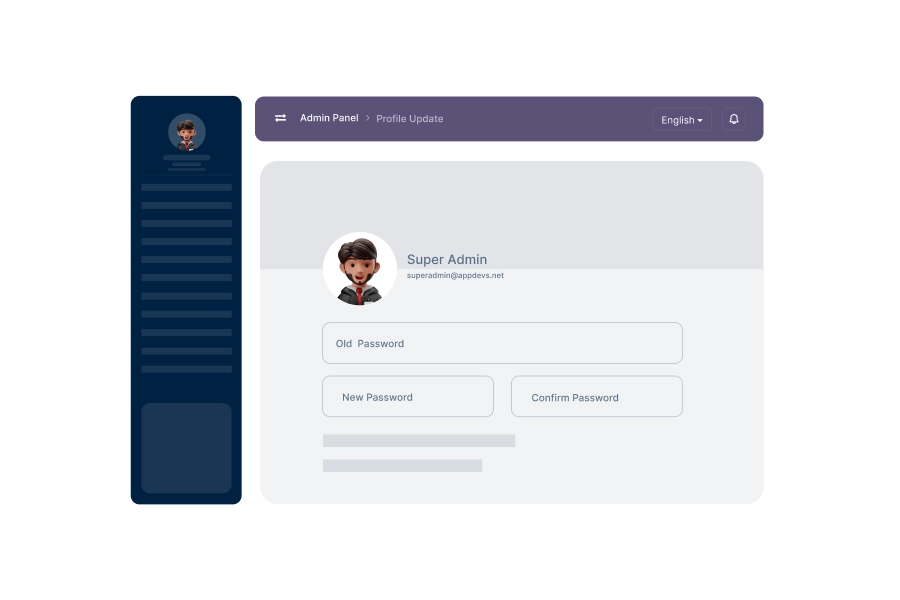
Change Password
Regularly update the admin account password to ensure security and prevent unauthorized access.
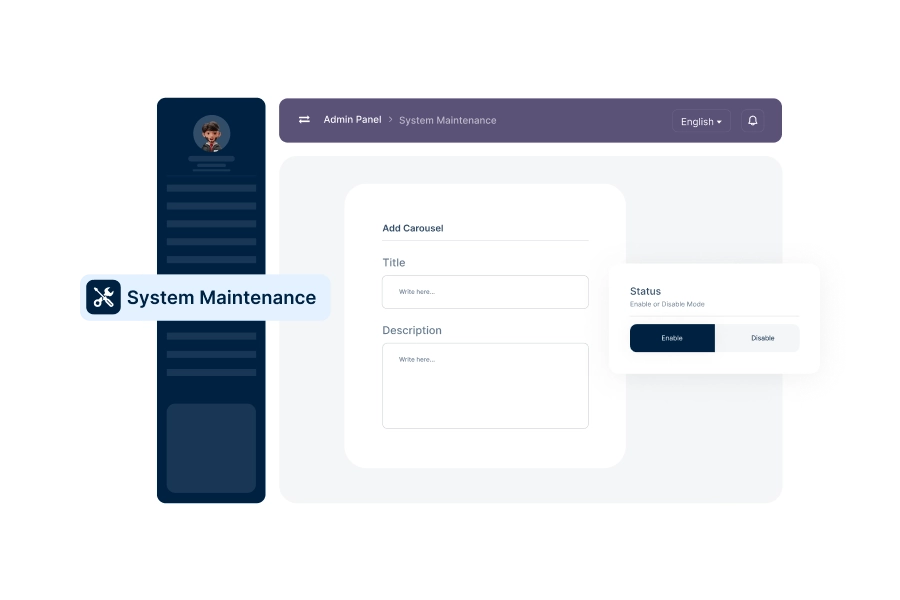
System Maintenance
Enable maintenance mode to disable all user operations on the platform temporarily. Users will see a 'Site Under Maintenance' page during this time and cannot perform any transactions or activities.
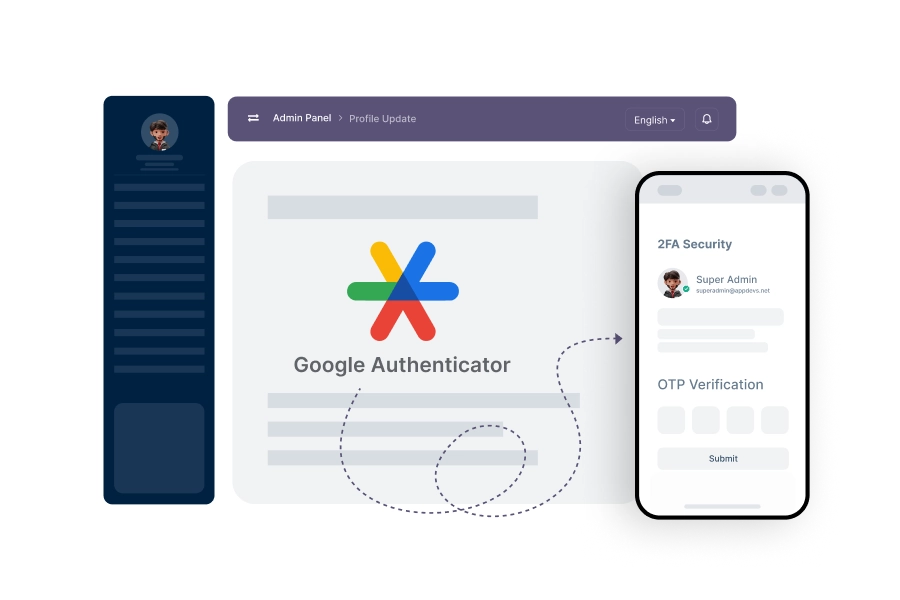
2FA Security
Implement two-factor authentication to add an extra layer of security for admin accounts.
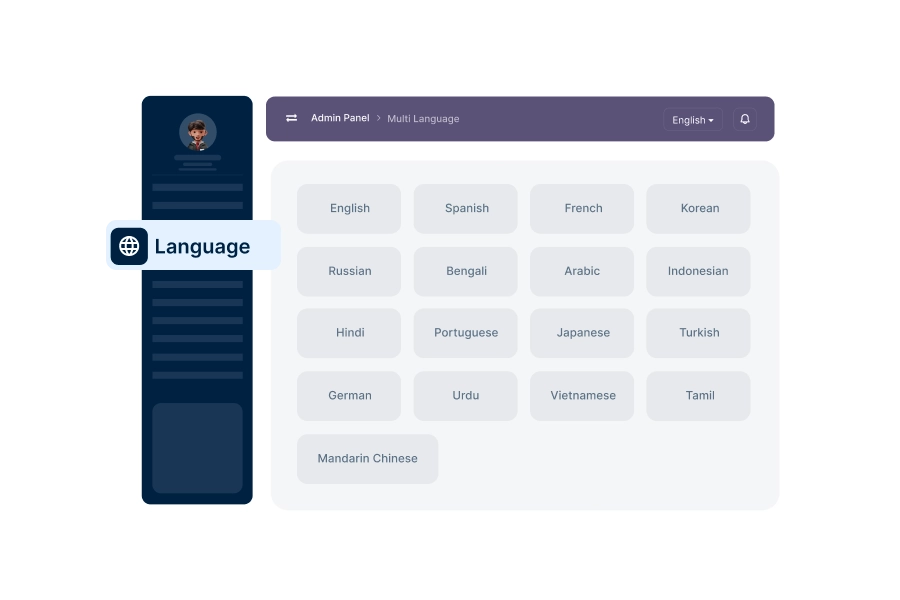
Multi-Language Support
Enable multi-language support, making the platform accessible to users from diverse language backgrounds.
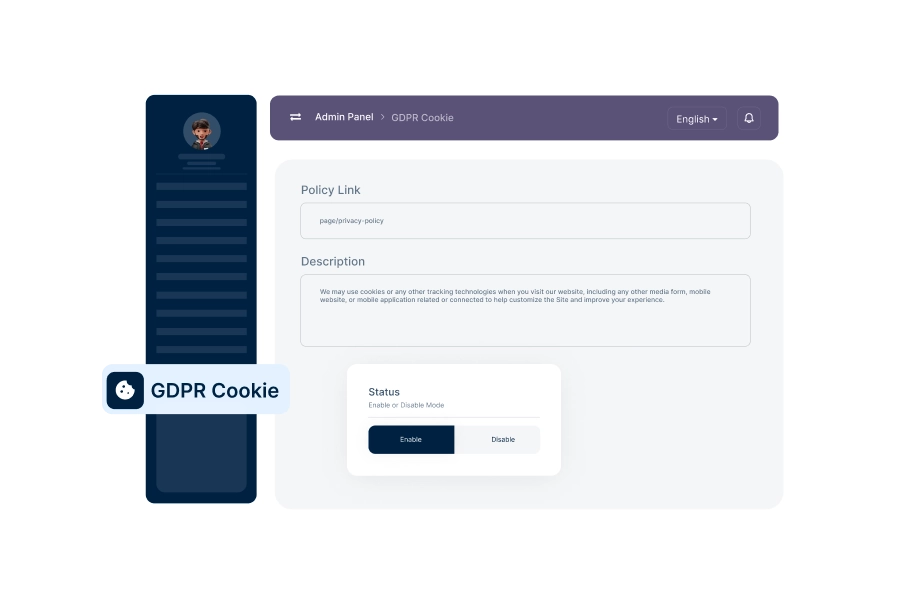
Setup GDPR Cookie
Configure GDPR-compliant cookie settings to manage user consent for data tracking and privacy.



Join Our Newsletter
Subscribe to receive product updates and exclusive discount offers straight to your inbox.